Building a Dragon Radar for Core Web Vitals
I wanted to find slow pages the way Bulma finds Dragon Balls — a signal that points, without a satellite tracking every move I make to get there.
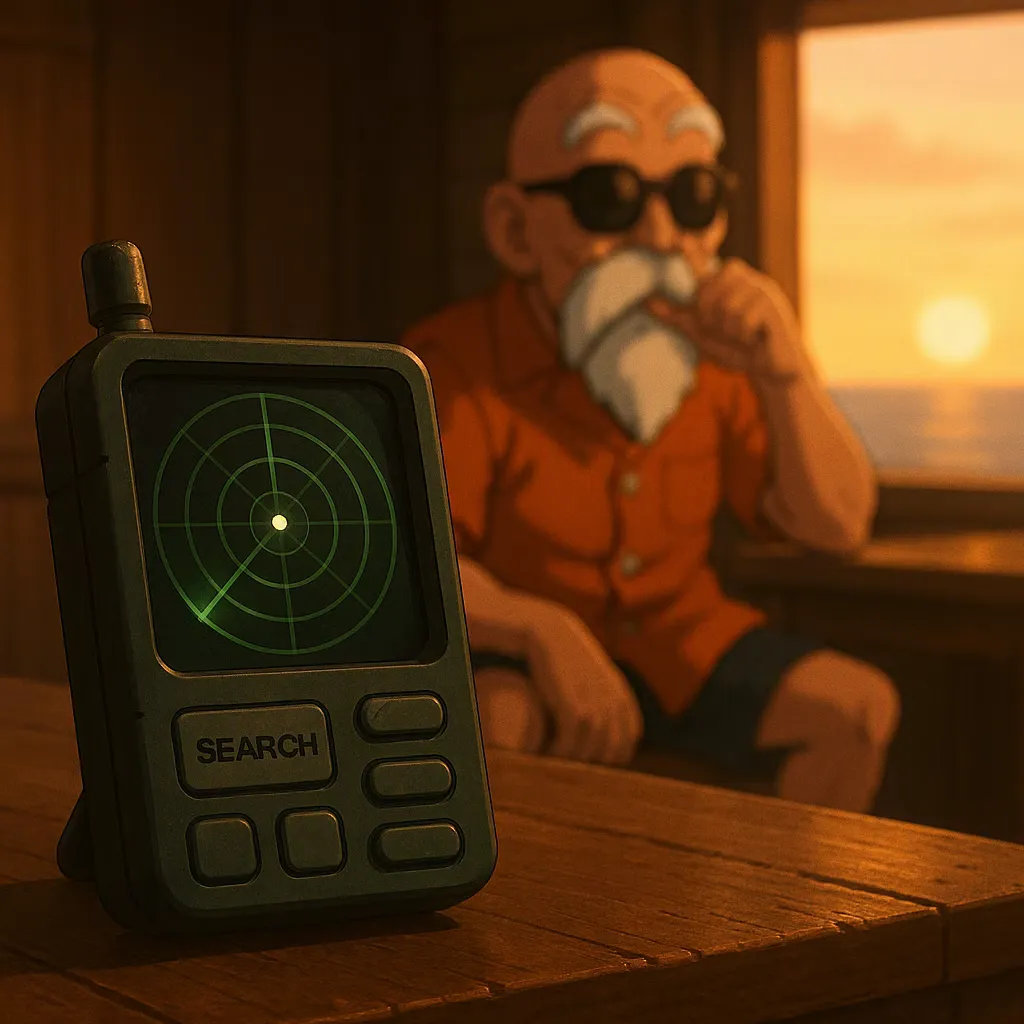
Bulma’s Dragon Radar does exactly one job: it points at a Dragon Ball and tells you roughly how far away it is. It doesn’t record everywhere you’ve been looking for one. It doesn’t sell that history to a third party. It doesn’t need a cookie banner. When I went looking for a way to monitor Core Web Vitals on this blog, that was the bar — a device that answers “where’s the problem” without becoming a surveillance system pointed at my three readers.
What I ruled out
Most real-user-monitoring setups are built for a team debugging a checkout funnel, not a person debugging a blog. They wanted a client bundle, a consent flow, and a dashboard with more filters than I have posts.
- A full RUM vendor SDK — 20kb+ just to tell me my own LCP
- Anything that fingerprints or tracks return visits — irrelevant to “is this page slow,” and a privacy cost I’m not willing to charge readers for something I get for free
- A hosted analytics platform with its own login, billing tier, and retention policy I’d have to read
I didn’t need a satellite. I needed a beep and a direction.
The radar I actually built
The web-vitals library already does the hard part — it listens for the browser’s own performance entries and reports LCP, CLS, and INP the moment they’re final. The only decision left is where those numbers go.
import { onLCP, onCLS, onINP } from 'web-vitals'

function report(metric) {
	navigator.sendBeacon(
		'/vitals',
		JSON.stringify({
			name: metric.name,
			value: metric.value,
			path: location.pathname,
		})
	)
}

onLCP(report)
onCLS(report)
onINP(report)
No visitor ID. No user agent parsing. No session stitching across pages. Just a metric name, a number, and the path it happened on — the smallest payload that still tells me where to look.
A tool that finds the thing you’re looking for is useful. A tool that also remembers everywhere you’ve ever looked is a different tool, and I didn’t ask for that one.
Reading the blip
The endpoint on the other end appends each beacon to a flat log, and once a week I pull the worst offenders — the pages sitting furthest from the 2.5s LCP line I actually care about. It’s not real-time. It doesn’t page anyone. It’s a green dot that gets closer or further away, and once a week I walk toward it.
That’s the whole system. It found exactly one real problem in its first month: the article cover images were shipping at 1600px wide to viewers who only ever saw them at 400. The radar didn’t fix it — it just pointed, the same way it’s supposed to.